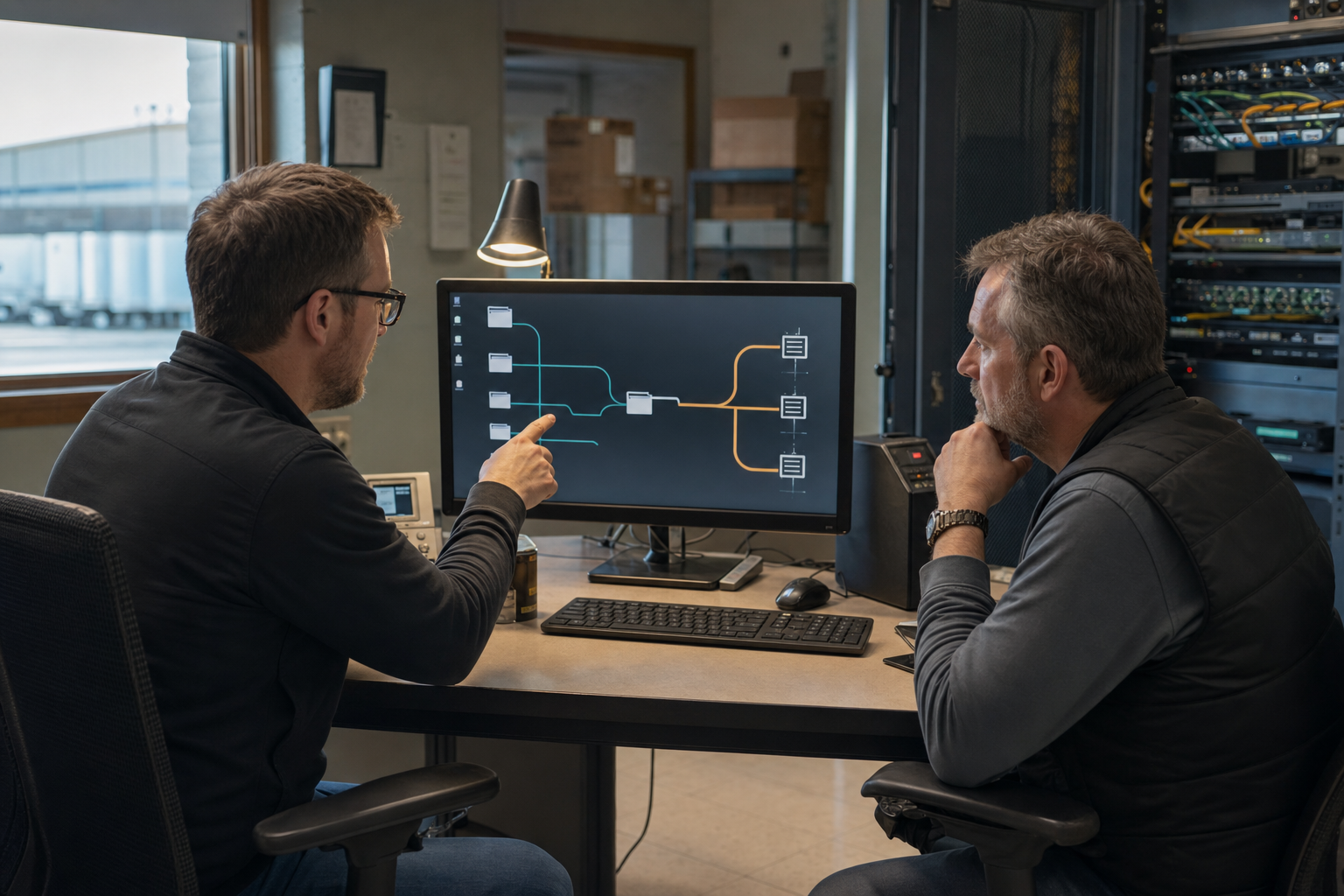
We trace direct SSH connections and routes through jump hosts or gateways, then record DNS assumptions, authentication choices, host-key handling, permitted forwarding, and transfer behavior. The result separates client convenience from the controls enforced elsewhere.
Source workstation and user role
Gateway sequence and endpoint identity
Authentication and key-use expectations
Local, remote, dynamic, or X11 forwarding
SFTP/SCP workflow and data owner
Failure cases belong in the pilot.
01Changed or unknown host keyWho verifies, who approves, what gets recorded?
02Gateway unreachableWhat is the approved fallback, if any?
03Authentication rejectedWhich team owns account, key, or MFA recovery?
04Interrupted file transferHow are partial data and retries handled?
Route record
Field
What good looks like
Session name
Environment and function are clear without decoding initials.
Endpoint
Canonical host identity and owner are recorded.
Gateway
Sequence, purpose, and support owner are explicit.
Forwarding
Only required forwarding is enabled and tested.
Recovery
Changed trust, failed auth, and unavailable route have a named escalation.
File browsing is convenient; the destination, permissions, and retention still need owners.
Include the browser beside the terminal.
MobaXterm can present a graphical SSH file browser alongside a session. Pilot transfer permissions, large-file behavior, interrupted transfers, destination paths, and any fallback from SFTP to SCP that the workflow may encounter.